 how-to
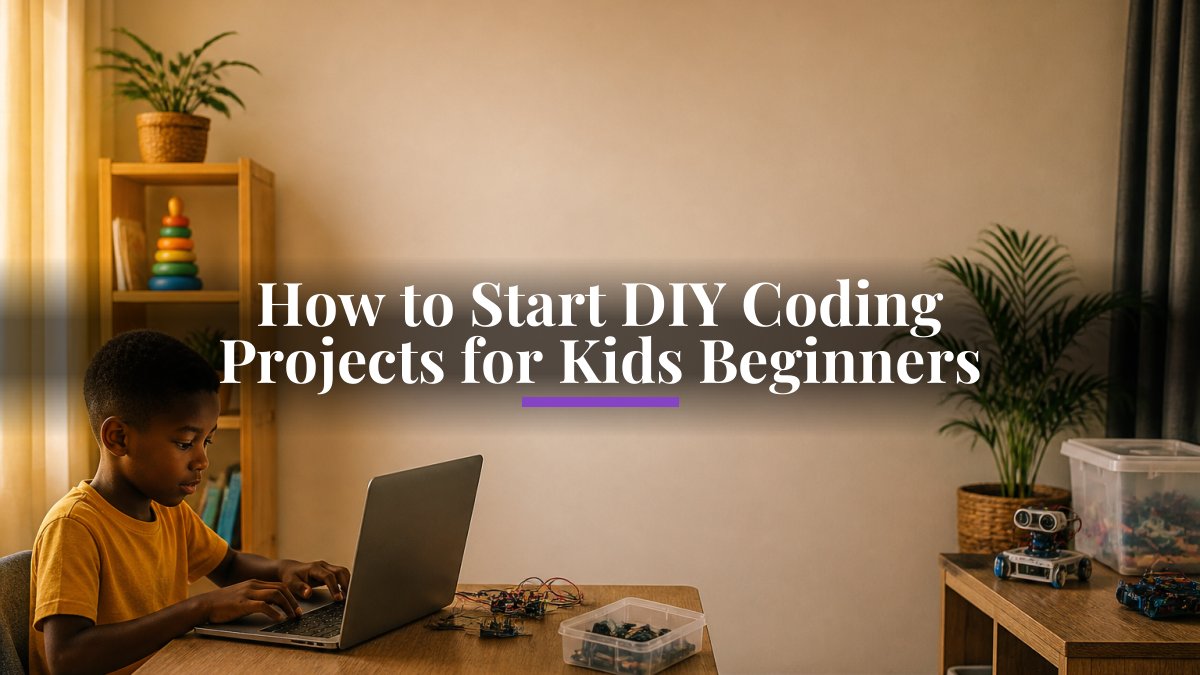
How to Start DIY Coding Projects for Kids Beginners
Last Updated: October 24, 2026
Quick Summary
Coding projects for kids work best when matched to age and skill level, starting with block-based tools like Scratch for ages 7 and up or unplugged activities for younger children. Beginner-friendly coding projects for kids take 30 minutes to 2 hours, show visible results, and require no prior experience.
- Block-based coding with Scratch suits ages 7 and up with no typing required
- Start with a 5-minute hello project, then progress to 30-minute games or 1-hour stories
- Unplugged coding activities teach logic through treasure maps and flowcharts without screens
- Create a free Scratch account at scratch.mit.edu and open a blank project to begin
- Stay with one tool until your child completes 3-4 projects before moving on
Table of Contents
- Choose Your First Coding Project for Kids
- Easy Coding Projects for Kids to Build First
- Scratch Projects for Beginners: Your First Steps
- Frequently Asked Questions
Choose Your First Coding Project for Kids
Picking the right first coding project keeps your child engaged; the wrong one leaves the kit gathering dust. A 6-year-old needs something visual and quick, while a 12-year-old can handle more steps. At MasterKids, we help families find coding projects for kids that match their level. If you're looking to get started with physical kits and resources, we offer nationwide delivery so you can access everything you need from home.
Beginner-friendly projects take 30 minutes to 2 hours, show visible results, use block-based coding and need no prior experience. Hour of Code resources offers free, time-tested projects for different age groups.
Easy Coding Projects for Kids to Build First
Start with projects that feel like play. Learn why STEM toys and coding activities matter for children's development Block-based coding with Scratch suits ages 7 and up: your child clicks coloured blocks to make characters move, change colours or tell stories, with no typing required. Try making a character say hello (5 minutes), building a simple obstacle-avoiding game (30 minutes), or creating an interactive story (1 hour). Scratch project tutorials provides step-by-step guides.
Unplugged coding activities suit younger children or screen-time breaks: a treasure map with a grid and directions, a robot dance, or a paper flowchart of everyday decisions. These teach logic without screens.

Start with these beginner-friendly projects that teach coding through play and visible results.
| Project Type | Best For | Time Needed |
|---|---|---|
| Block-based coding with Scratch | Ages 7 and up | 5 minutes to 1 hour |
| Character says hello | First Scratch project | 5 minutes |
| Simple obstacle-avoiding game | Building game logic | 30 minutes |
| Interactive story | Creative coding | 1 hour |
| Unplugged coding activities | Younger children or screen breaks | Varies |
Scratch Projects for Beginners: Your First Steps
Scratch is free, visual and designed for children.
Step 1: Create a free account at scratch.mit.edu by clicking "Join Scratch".
Step 2: Open a blank project by clicking "Create".
Step 3: Pick your first block. Click "Motion" and drag "Move 10 steps" onto the canvas.
Step 4: Click the block. Your character moves. That's coding.
Step 5: Add more blocks. Drag "Turn 15 degrees" below the first block and click again.
Step 6: Save your project via "File", then "Save as".
Your child has written their first program. Let them experiment and encourage mistakes. Afterwards, help them modify it: change colours, add sounds, create a second character. Scratch design studio for beginners showcases projects by other young coders. Stay with Scratch until they've built 3-4 projects; speed matters less than enjoyment.
Start with one small project, celebrate when it works, then build another. That's how children learn to code.
best stem kits 2026 for kids: Discover the best STEM kits 2026 for children of all ages. Learn how to choose age-appropriate kits that build critical. Help your child explore coding as part of their broader learning journey. Keep kids engaged with STEM through hands-on activities, curiosity-building, and affordable kits. Discover practical strategies that work at every age.
Frequently Asked Questions
What is an easy first coding project for a child?
Start with interactive stories or simple games using block-based tools like Scratch. These projects teach coding fundamentals without overwhelming syntax. A fortune cookie generator or potion maker are excellent beginner choices because they combine logic, creativity, and immediate visual feedback. Children see their code work in seconds, which builds confidence and keeps them engaged.
Can children learn coding without a computer?
Yes. Unplugged coding activities teach programming concepts without screens. Card sorting games, treasure hunts with step-by-step instructions, and paper-based puzzles help children understand sequences, loops, and problem-solving. These activities are screen-free, accessible, and often more interactive. Many parents combine unplugged activities with computer-based projects for balanced learning.
How do I help a child debug a coding project?
Ask your child to describe what the code should do versus what it actually does. Guide them to test one block or section at a time. Most block-based tools highlight errors clearly. Encourage patience and reframing mistakes as learning opportunities. Break the problem into smaller pieces and check each step. This teaches problem-solving skills that extend far beyond coding.